
Blocked IPs
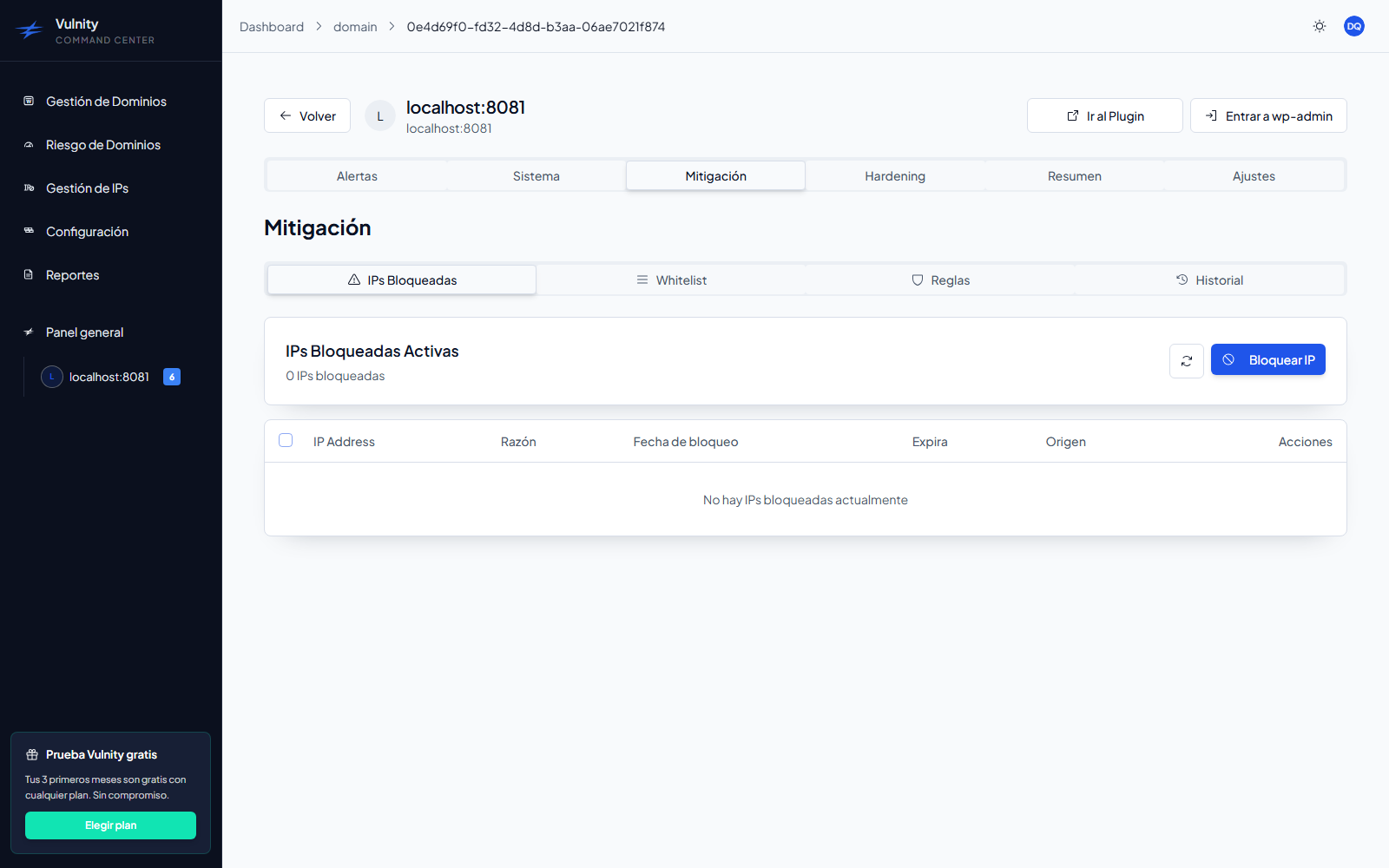
The Blocked IPs sub-tab is the control center for the IP addresses currently blocked on the site — whether they were blocked automatically by mitigation rules, manually by an administrator, or directly by the plugin.
What the list shows
Section titled “What the list shows”The header shows the number of active blocked IPs, with a SIEM/Plugin breakdown when both sources have blocks. The list only contains active, non-expired blocks and refreshes automatically about once a minute; you can also refresh it manually with the reload button.
Each row shows:
- IP address — the blocked IPv4 address.
- Reason — why the IP was blocked, as documented at block time or generated by the rule.
- Block date — date and time the block was applied.
- Expires — remaining time of the block, or Permanent.
- Origin — a SIEM badge for blocks created from the panel, or a Plugin badge for blocks created on the WordPress site.
Block an IP manually
Section titled “Block an IP manually”-
Click Block IP to open the manual block dialog.
-
Enter the IP address (IPv4, validated in the form).
-
Select the sites to block it on: check individual sites — the current domain is marked as Current — or use Apply to all sites to block the IP on every active site at once.
-
Choose the block duration, from 15 minutes up to permanent.
-
Document the reason for the block and confirm with Block IP.
After blocking, the panel pushes the block to the plugin immediately so the site starts rejecting the IP; if the push fails, the block still applies on the next synchronization cycle.
Unblock IPs
Section titled “Unblock IPs”- One IP: click Unblock on its row. The block is lifted immediately, on both the panel and the site.
- Several IPs: use the row checkboxes (or the header checkbox to select all) and click Unblock N IPs in the selection bar.
Best practices
Section titled “Best practices”- Always document the block reason clearly.
- Review blocked IPs periodically to identify false positives.
- Prefer temporary durations over permanent ones unless strictly necessary.
- Be careful when blocking an IP across all sites at once.
Next steps
Section titled “Next steps”- Whitelist — protect trusted IPs from automatic blocks.
- Rules — configure the automatic blocks that feed this list.
- IP management — review blocked IPs across all your domains.