
Synchronization
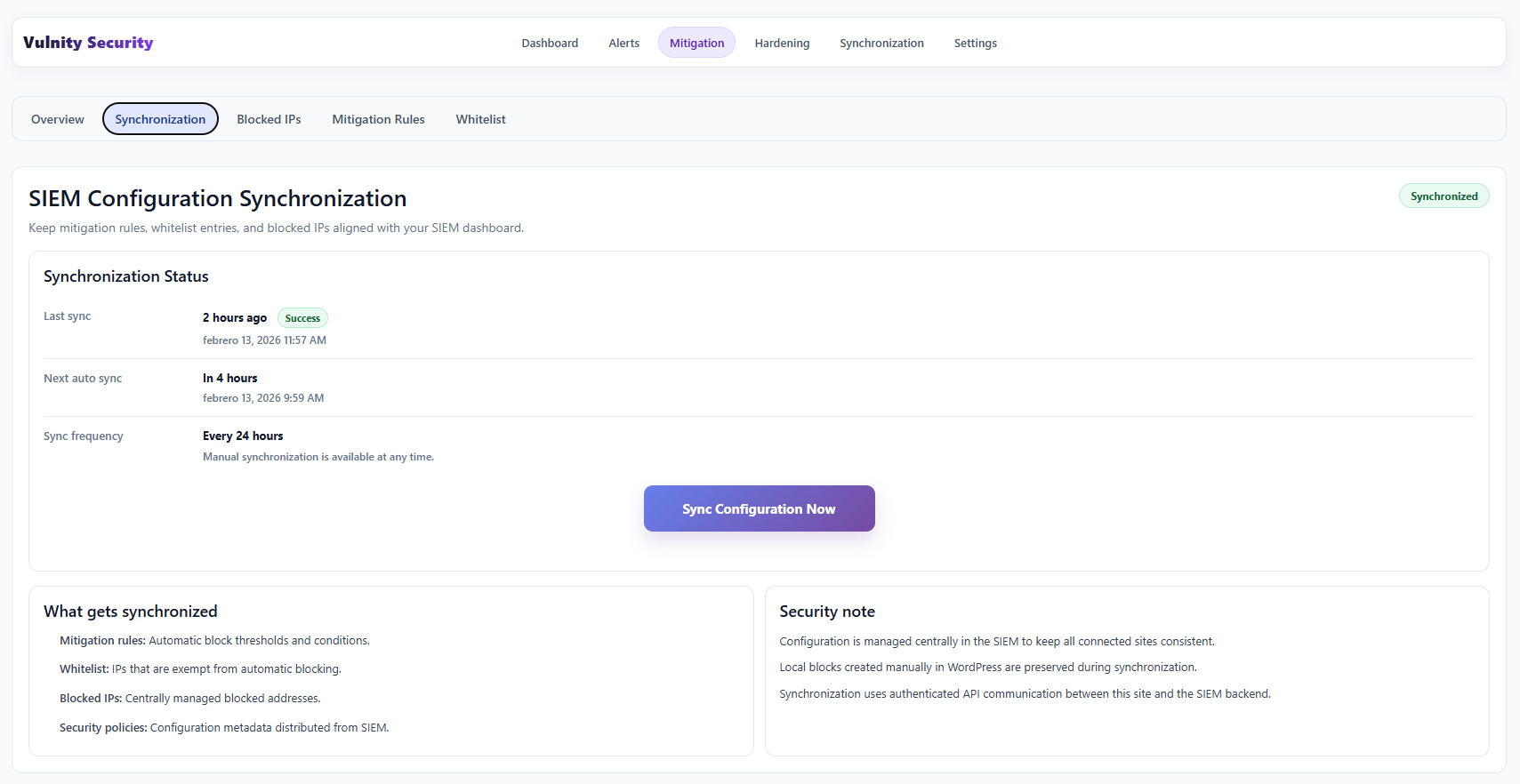
The mitigation configuration stays synchronized between your site and the SIEM automatically: the plugin sends its local state and receives back the authoritative configuration from the panel.
What is synchronized
Section titled “What is synchronized”Each synchronization exchanges the mitigation state in both directions:
- From the site to the SIEM — the locally blocked IP addresses and the current whitelist, so the panel reflects what is happening in WordPress.
- From the SIEM to the site — the mitigation rules, the whitelist (localhost entries are always kept), the SIEM-managed blocked IPs, and, when enabled, the Vulnity global threat list.
This keeps both systems aligned: blocks added or removed in the panel are reconciled in WordPress, and expired blocks are pruned.
When it runs
Section titled “When it runs”Changes made in the SIEM are applied automatically, and a scheduled synchronization runs every 24 hours as a reconciliation fallback. You can check the date and result of the last synchronization in the Mitigation Status table of the Overview subtab.
Next steps
Section titled “Next steps”- Mitigation overview — see the last synchronization status.
- Mitigation rules — review the rules received from the SIEM.
- Whitelist — confirm the trusted IPs synchronized from the panel.