
Preferences
The Preferences section controls how the panel looks and which language it uses. You reach it from the avatar menu → Settings → Preferences.
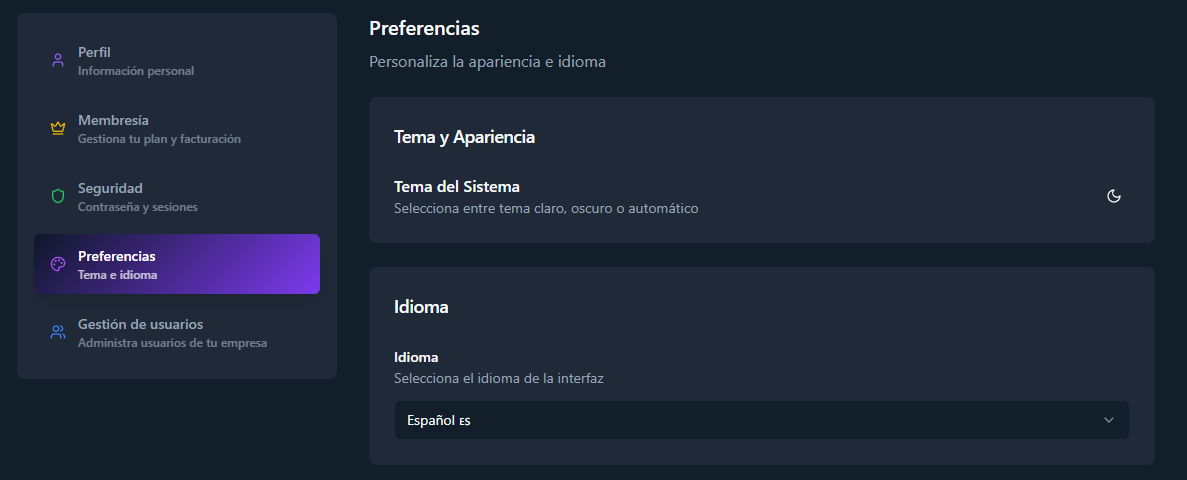
The Theme row switches the panel between light mode and dark mode with a single click on the sun/moon button. The change applies instantly and is remembered on your next visits.
Language
Section titled “Language”The Language row selects the interface language:
- Español
- English
The change applies instantly across the whole panel — navigation, forms, alerts, dashboard, and error messages.