
Delegated wp-admin access
From Domain Management you can open the wp-admin of a connected site as one of its administrators, without sharing or typing any WordPress password. Every access is recorded in the SIEM: who entered, when, into which site, and from which IP.
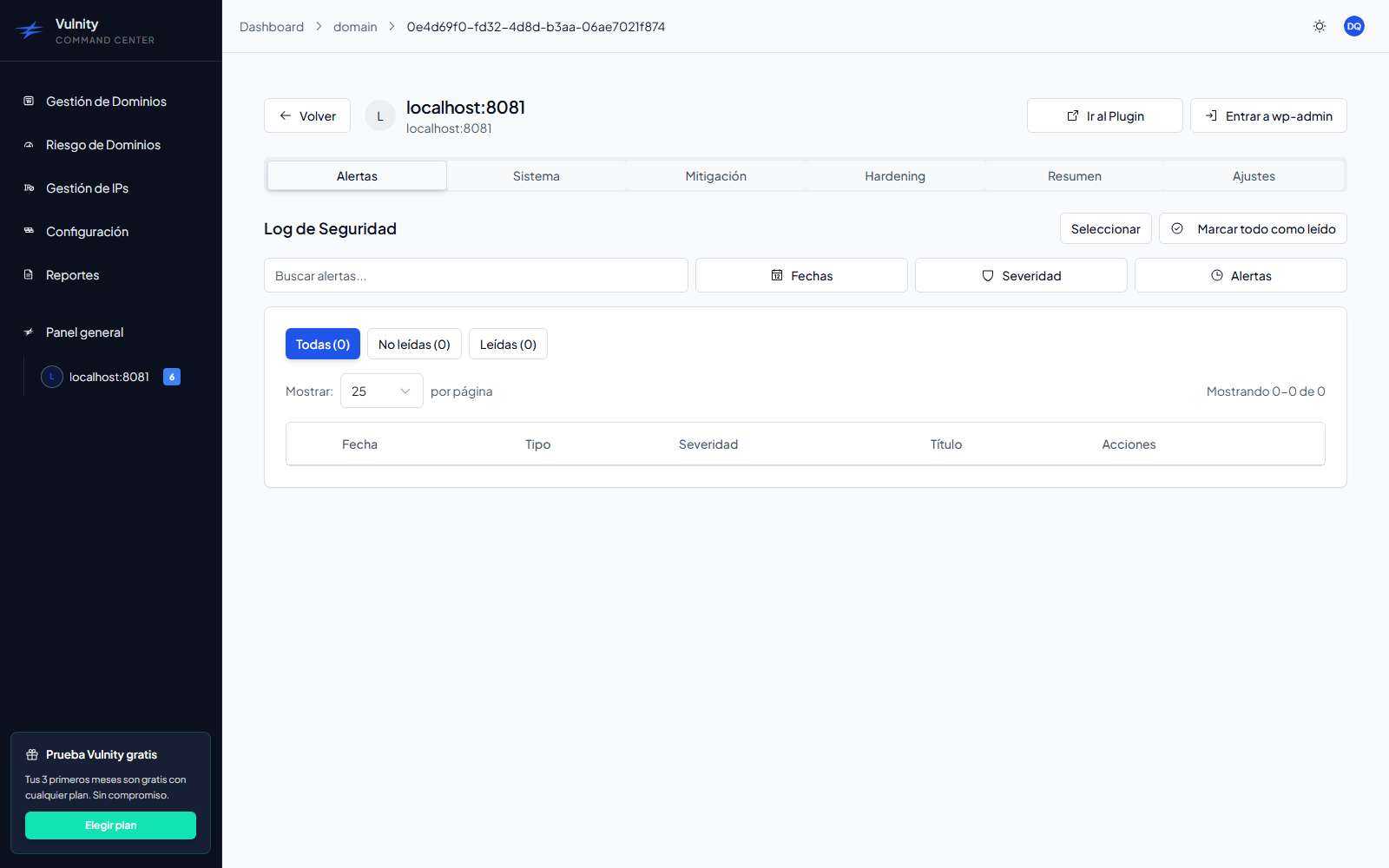
What the button does
Section titled “What the button does”Domain cards show an “Open wp-admin” button when the site runs the Vulnity Security plugin 1.4.0 or newer and the domain is Active. It opens a dialog where you pick the destination administrator and confirm your identity; the panel then issues a single-use access link and opens the site’s wp-admin in a new tab.
How to use it
Section titled “How to use it”-
In Domain Management, click “Open wp-admin” on the site’s card.
-
Choose the destination administrator. The panel fetches the site’s real administrator list live from the plugin, showing each one’s name, login, and a masked email.
-
Confirm your panel password. This is a re-authentication step (step-up): issuing access requires that you have authenticated recently, not just that you hold an open session.
-
A new tab opens directly in the site’s
wp-admin, logged in as the chosen administrator. The link behind it is single-use and expires in about 60 seconds.
Security model
Section titled “Security model”- No shared passwords. The WordPress password is never used or seen; your panel password is only used to re-authenticate you in the panel.
- Short-lived, single-use token. The panel generates an opaque random token valid for 60 seconds. Only its SHA-256 hash is pushed to the plugin over a mutually signed channel (HMAC signature over method, route, timestamp, and body, with a timestamp window and single-use nonces, on top of the pairing token). The signing secret never travels in the URL — the browser only ever sees the disposable token.
- Local, atomic redemption. The WordPress site validates and consumes the token locally in a single atomic operation, so each link can be redeemed exactly once. Reusing an already-redeemed link fails and raises a replay alert to the panel; expired links are simply rejected.
- Restricted issuance. Only the founder of the organization or users with the admin or siem_manager panel roles, in the same organization as the site’s owner, can issue delegated access. Issuance is also rate-limited per operator and per site, and redemption is rate-limited on the site itself.
- Hard requirements. The site must be served over HTTPS, must not be a WordPress Multisite, and the target user must still be an administrator at the moment the link is redeemed.
- Full audit trail. Every issuance is written to the panel’s security audit log, and every redemption (or replay attempt) is reported back to the panel.
Enabling and disabling it per domain
Section titled “Enabling and disabling it per domain”Delegated access is enabled by default and can be turned off independently on each side:
- From the panel — each domain’s settings include a “Delegated wp-admin access” toggle. Turn it off to block the feature for that domain; the button then shows an explanatory error instead of a login.
- From the WordPress site — set the option
vulnity_delegated_login_enabledto0, or returnfalsefrom thevulnity_delegated_login_enabledfilter from code you control (a mu-plugin or your theme). The filter works locally regardless of what the panel says, as a last-resort guarantee for the site owner. While disabled, redemption answers403and no session can be created.
Next steps
Section titled “Next steps”- Domain Management — where the “Open wp-admin” button lives.
- User management — panel roles and who can do what.
- Add domains — connect more sites to the panel.