
Add domains
To monitor a WordPress site you pair it with the panel: the Vulnity Security plugin installed on the site connects to your account and starts sending heartbeats and security events. There are three ways to do it, depending on how many sites you manage and the access you have.
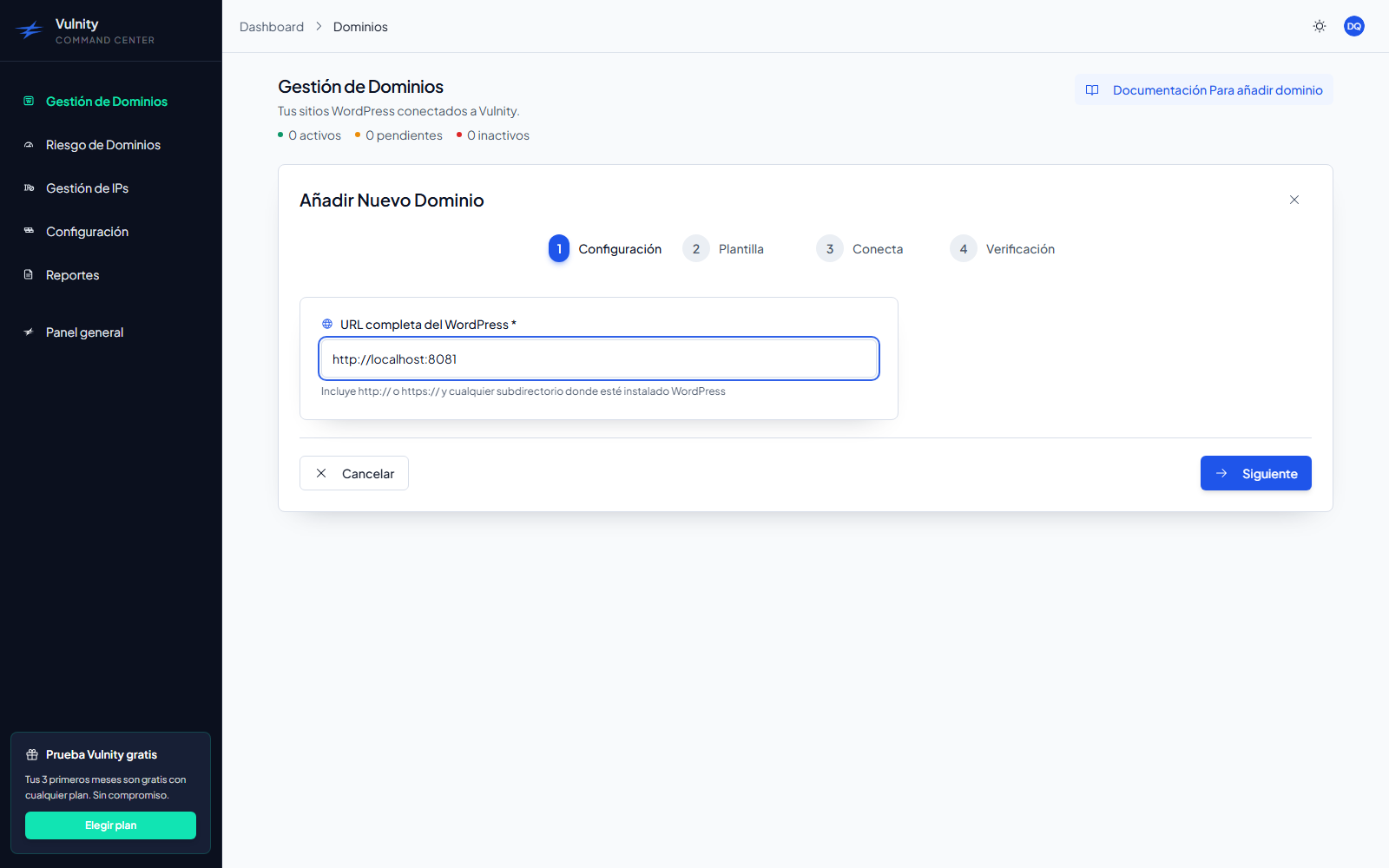
Connection methods
Section titled “Connection methods”Assisted connection (recommended)
Section titled “Assisted connection (recommended)”The panel issues a single-use connection link, valid for 15 minutes, and opens it in the site’s wp-admin. You confirm in the plugin and the site pairs itself — no credentials to copy. It requires Vulnity Security 1.4 or higher installed and activated.
Use it whenever you add one site and can open its wp-admin from the panel. See Add a single site for the walkthrough and Assisted connection link for how the link works.
Manual pairing
Section titled “Manual pairing”The panel shows the site’s Site ID and Pairing Code, and you enter them in the plugin’s setup screen. It works with any supported plugin version and does not depend on pop-ups or on the panel reaching your wp-admin.
Use it as the fallback when the assisted link is not an option. The full flow is in Add a single site.
Bulk pairing (VPS / WP-CLI)
Section titled “Bulk pairing (VPS / WP-CLI)”An assistant that detects, validates, and pairs many WordPress installations on the same server through a temporary key and WP-CLI commands generated for you.
Use it when you manage several sites on a server with SSH access — typical for agencies and VPS environments. See Add sites in bulk.
How pairing works
Section titled “How pairing works”- You create the domain in the panel (single site) or generate a temporary key (bulk).
- The Vulnity Security plugin on the site proves the pairing — by redeeming the assisted link, by sending the Site ID and Pairing Code, or through the bulk key.
- The panel validates the request and the site switches to Active in Domain management as soon as the first heartbeat arrives.
From then on the plugin sends heartbeats and security events automatically.
Before you start
Section titled “Before you start”- An active account with available domain quota. Each plan has a maximum number of domains; the panel shows your usage as
active / maximum. - Each site must run WordPress 6.2 or newer and must not be a Multisite network (Multisite is not supported by the current plugin version).
- For a single site: access to the site’s
wp-adminto install and activate the plugin. - For bulk: SSH access to the server and WP-CLI available.
If a domain disconnects later
Section titled “If a domain disconnects later”A connected domain can become inactive (for example, if heartbeats stop arriving or the plugin is deactivated). The panel can usually reactivate it remotely with the Reconnect action — see Reconnect domains.
Next steps
Section titled “Next steps”- Add a single site — assisted and manual flows in detail.
- Add sites in bulk — connect many sites from a server.
- Reconnect domains — recover inactive domains.
- Domain management — check the status of every connected site.